返回常見問題解答
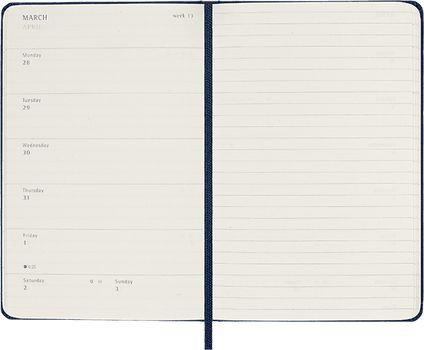
What type of Smart Planners are available?
Our current Smart portfolio features the Smart Planner (hard cover, black, weekly 12-month) and the Smart Planner Pro (hard cover, black, weekly, 12-month).
Smart Planner Pro
Discover our Smart Planners here:
Discover the Smart Writing System here:
The Smart Planner gives you a new way of planning.
The first time you write in your Smart Planner, you'll be invited to connect it to a digital calendar on your device. Setting up this connection will allow the Notes App to create events on the device calendar that mirror the ones you write on paper
In order to connect your planner to your device, please follow these steps:
- Connect your Smart Pen to your device (see the steps above)
- Once you start writing in your Smart Planner, the Smart Pen will recognise the page and type of notebook.
Within the Notes App you can see all your Smart Notebooks and Smart Planners on the main page (Notebooks page) and block the ones you are not using.
The Smart Planner has different page layouts: Monthly, Weekly Vertical and Weekly Horizontal (PRO). Depending on the page layout, some information about your events is automatically recognized, then you can add additional information like start time and duration as specified in this guide.
沒有找到您想要的內容?請聯絡我們:

電子郵件
請透過電子郵件告知您遇到的問題。我們會盡快回覆您
聯絡我們